Guides
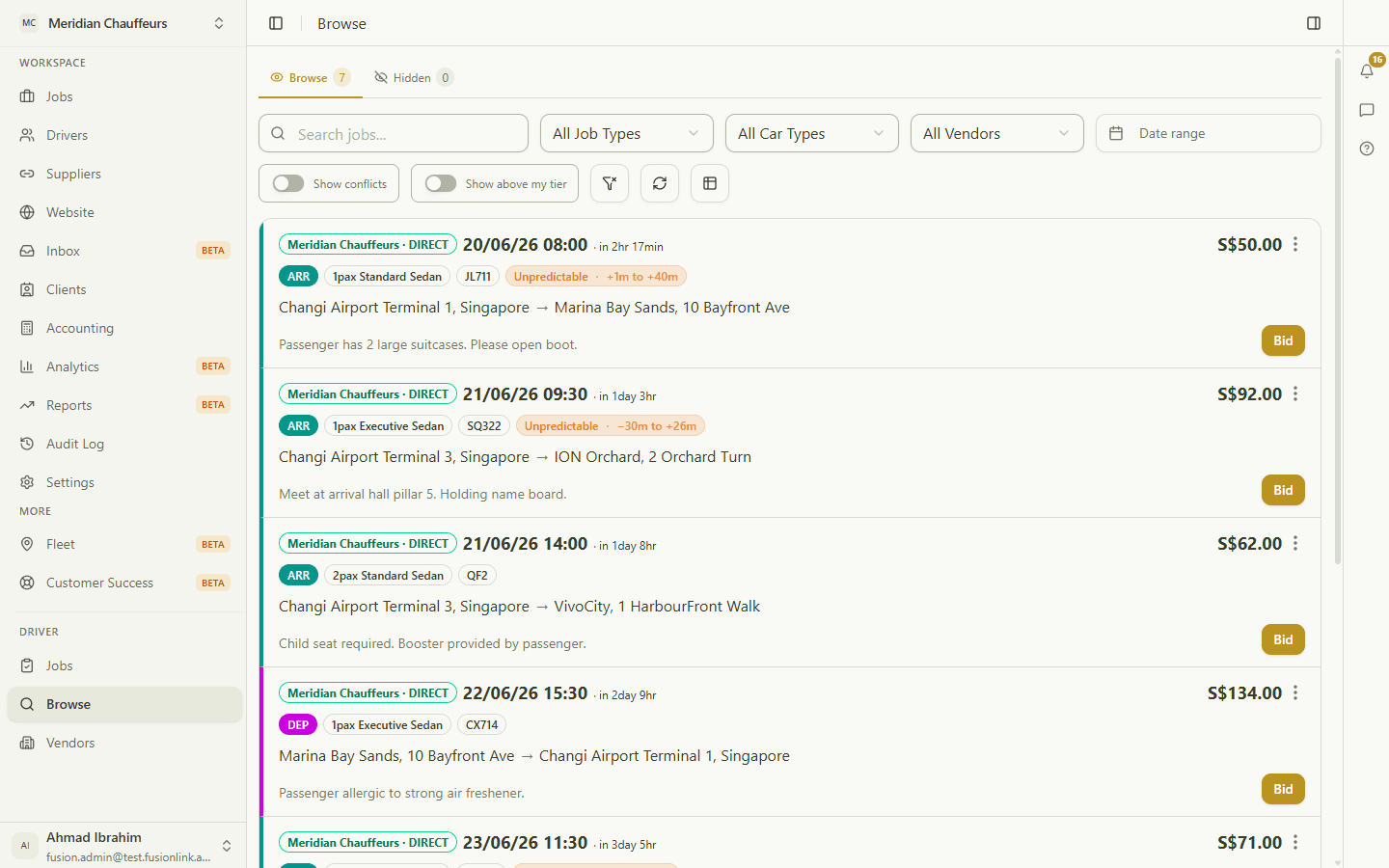
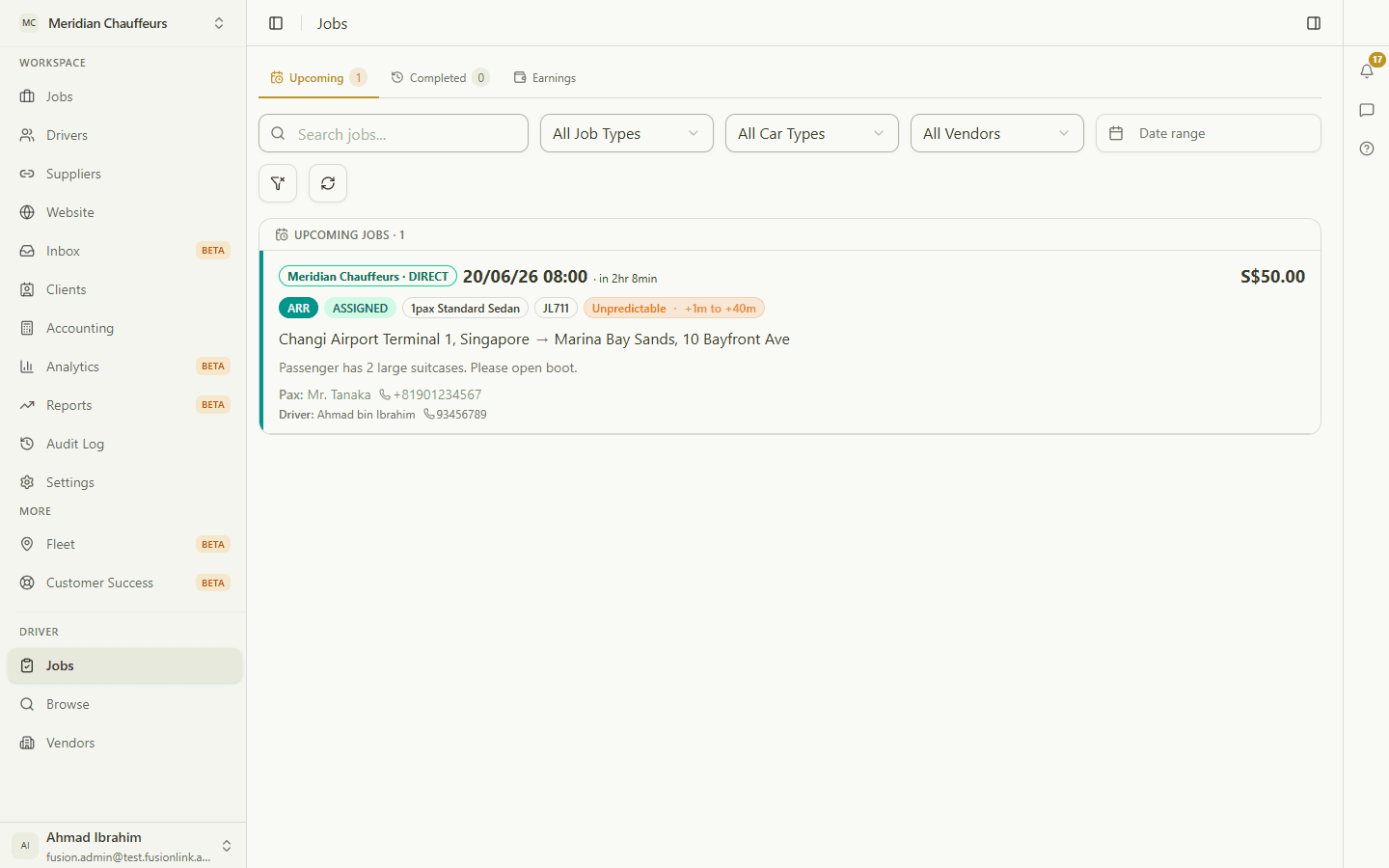
Short, step-by-step walkthroughs of the core flows — real screens, with the exact buttons to tap circled. No video to sit through.
For operators
Run the dispatch board, your books, clients, and supplier connections.
For operators~30s· 6 steps
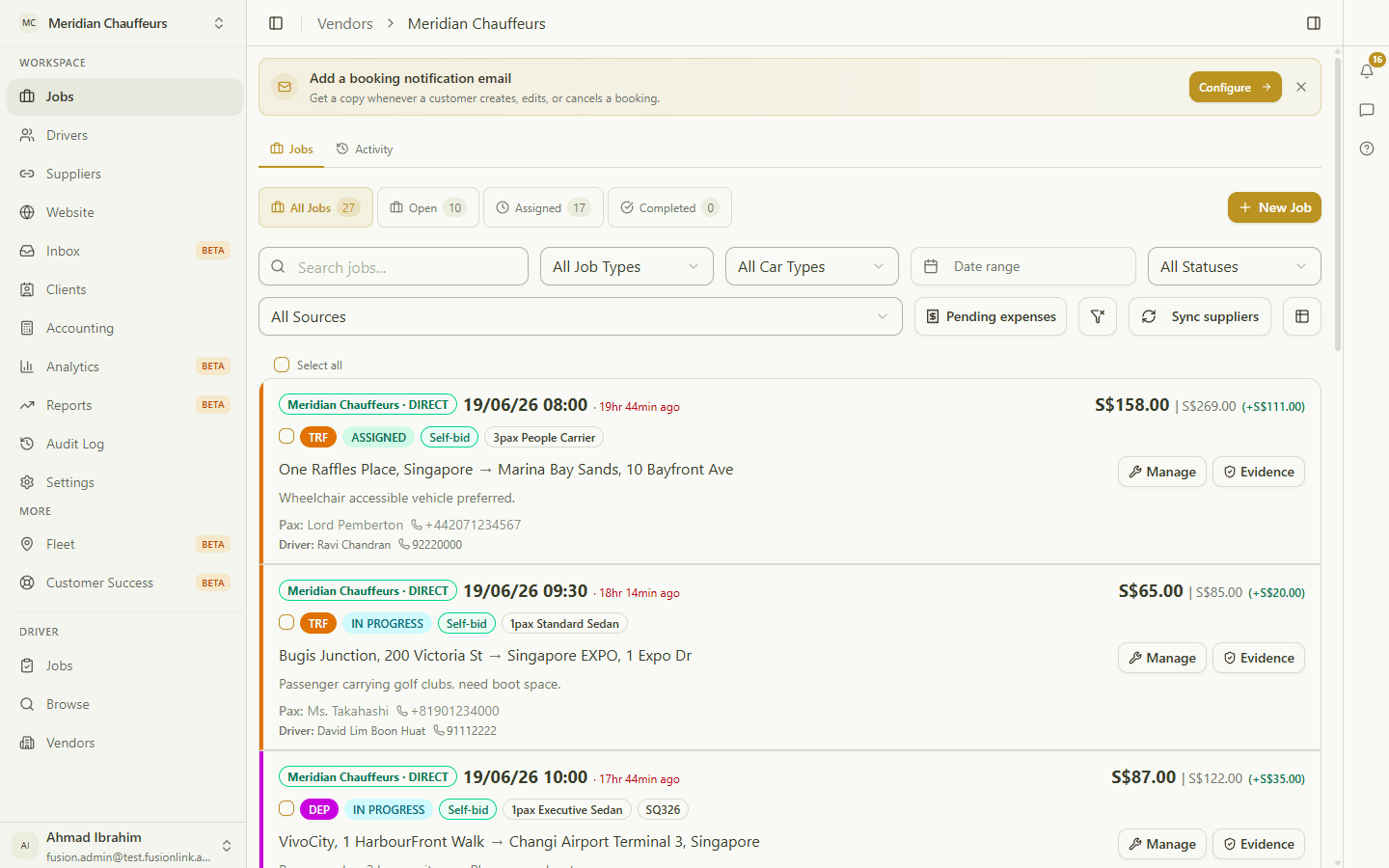
Dispatch a job
Assign an unassigned job to one of your drivers.
View guide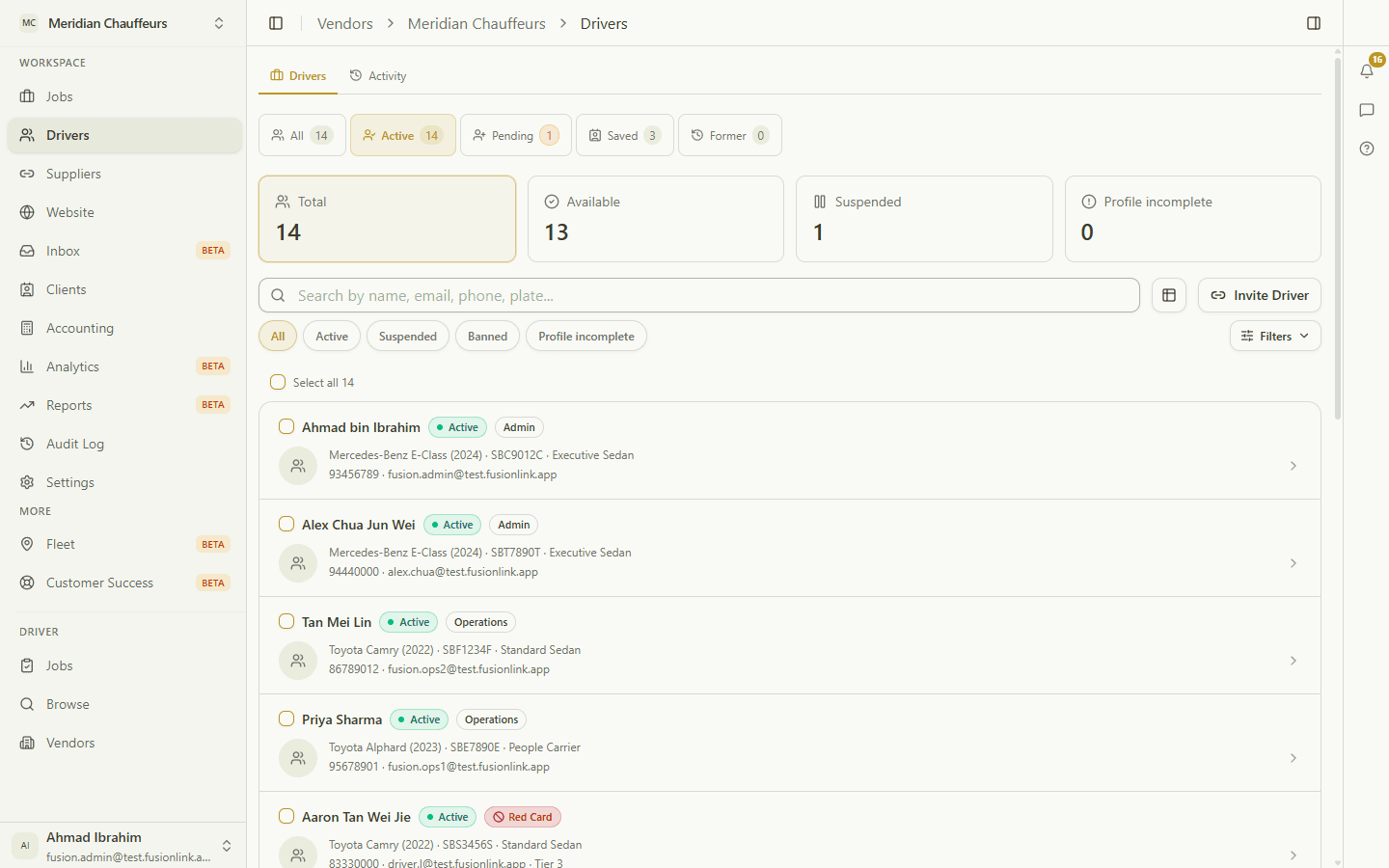
For operators~20s· 2 steps
Manage your fleet
Read your roster at a glance, then open a driver's full profile.
View guide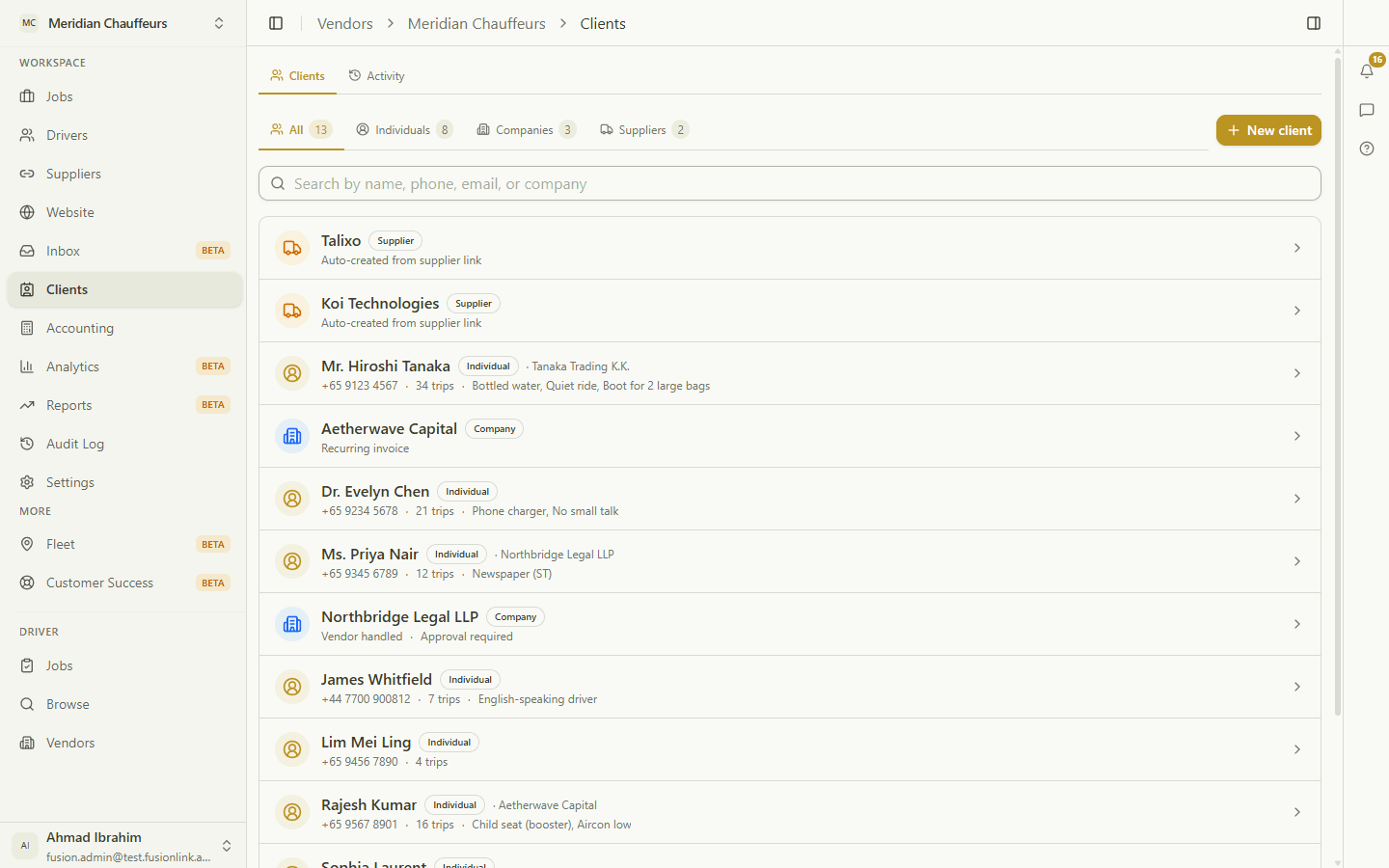
For operators~30s· 3 steps
Passengers & corporate accounts
One list for individuals, companies, and supplier clients.
View guide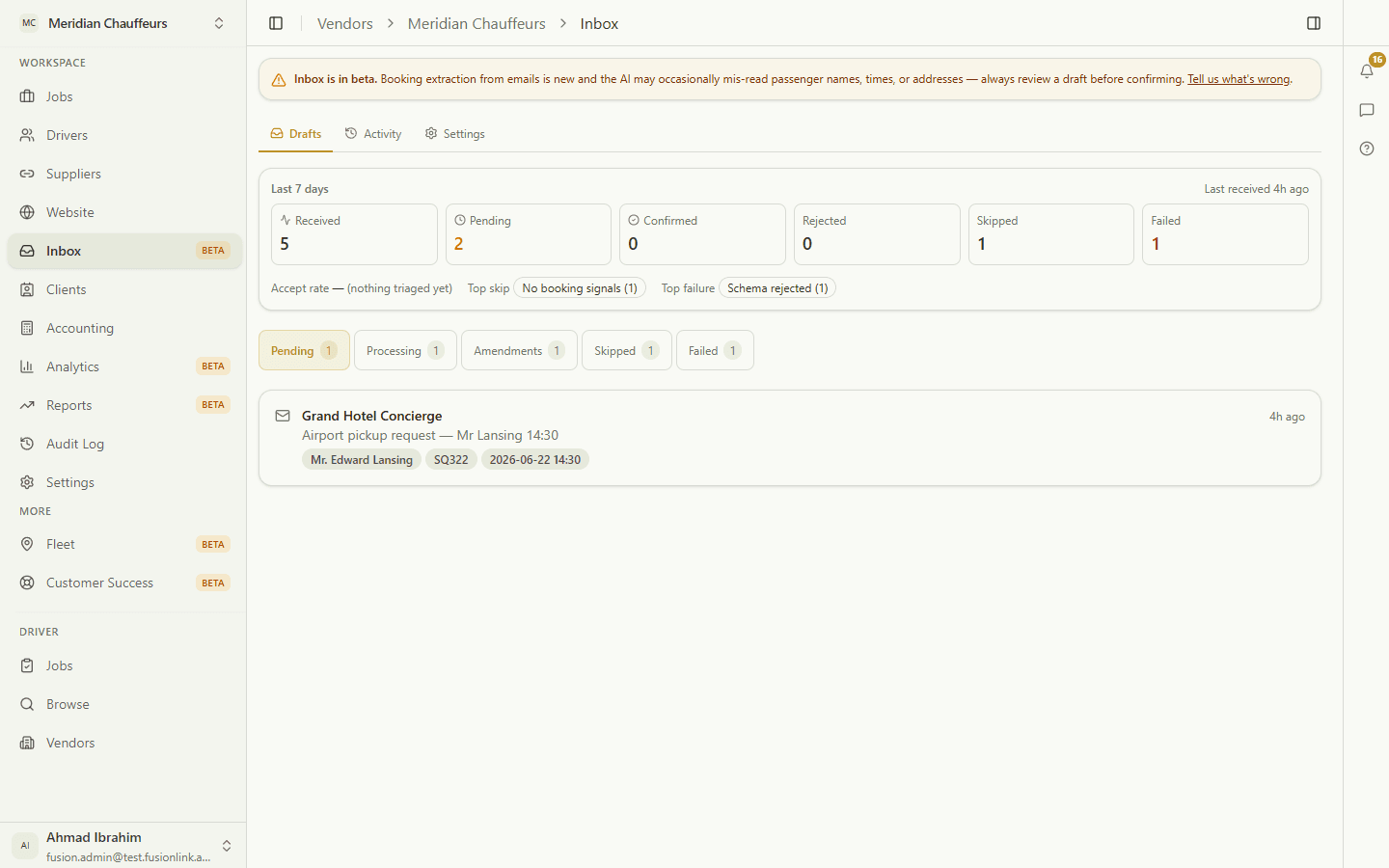
For operators~20s· 2 steps
Turn emails into bookings
The inbox extracts booking emails into reviewable drafts.
View guide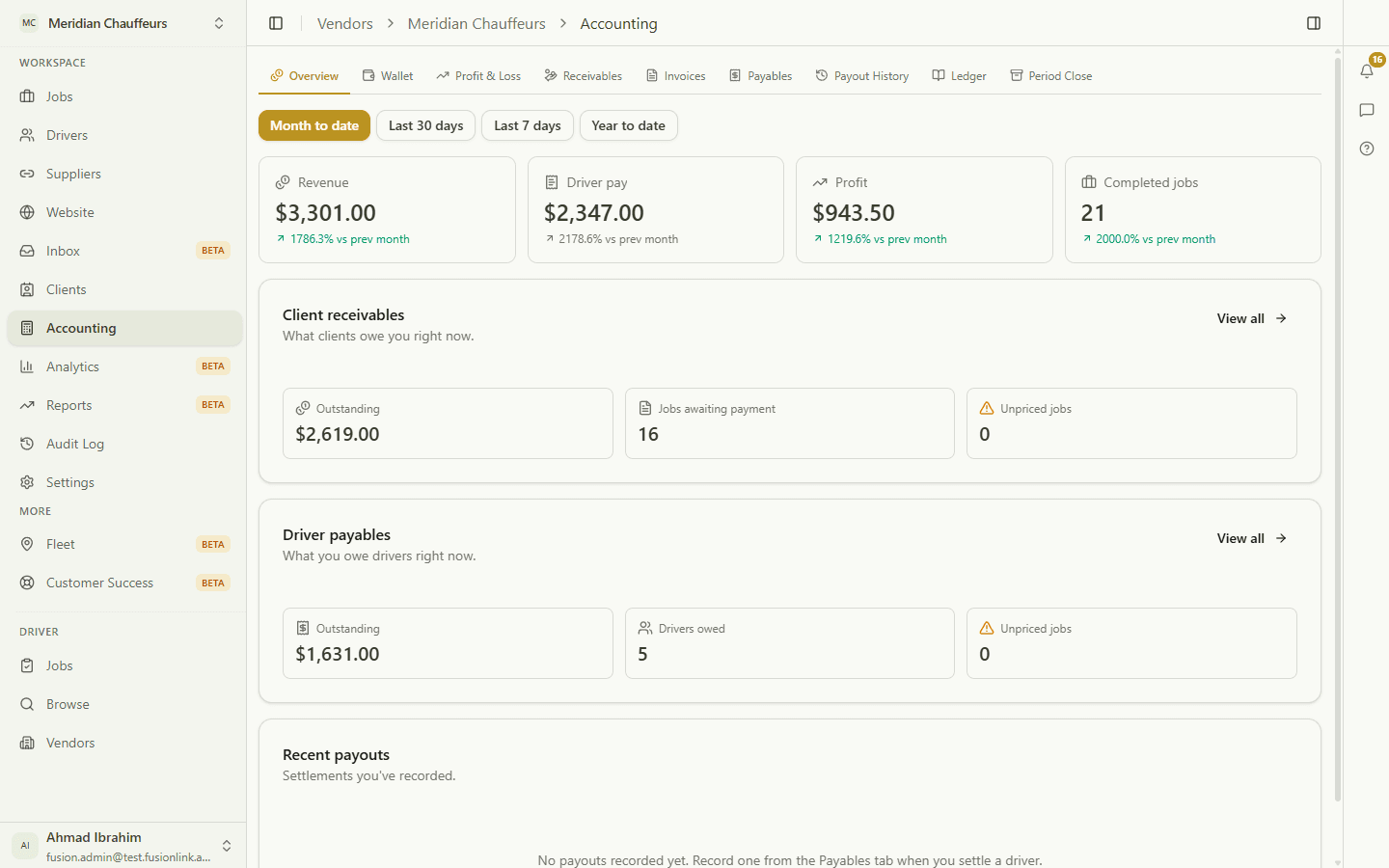
For operators~40s· 3 steps
Your books
P&L, a real general ledger, and invoices — derived from jobs.
View guide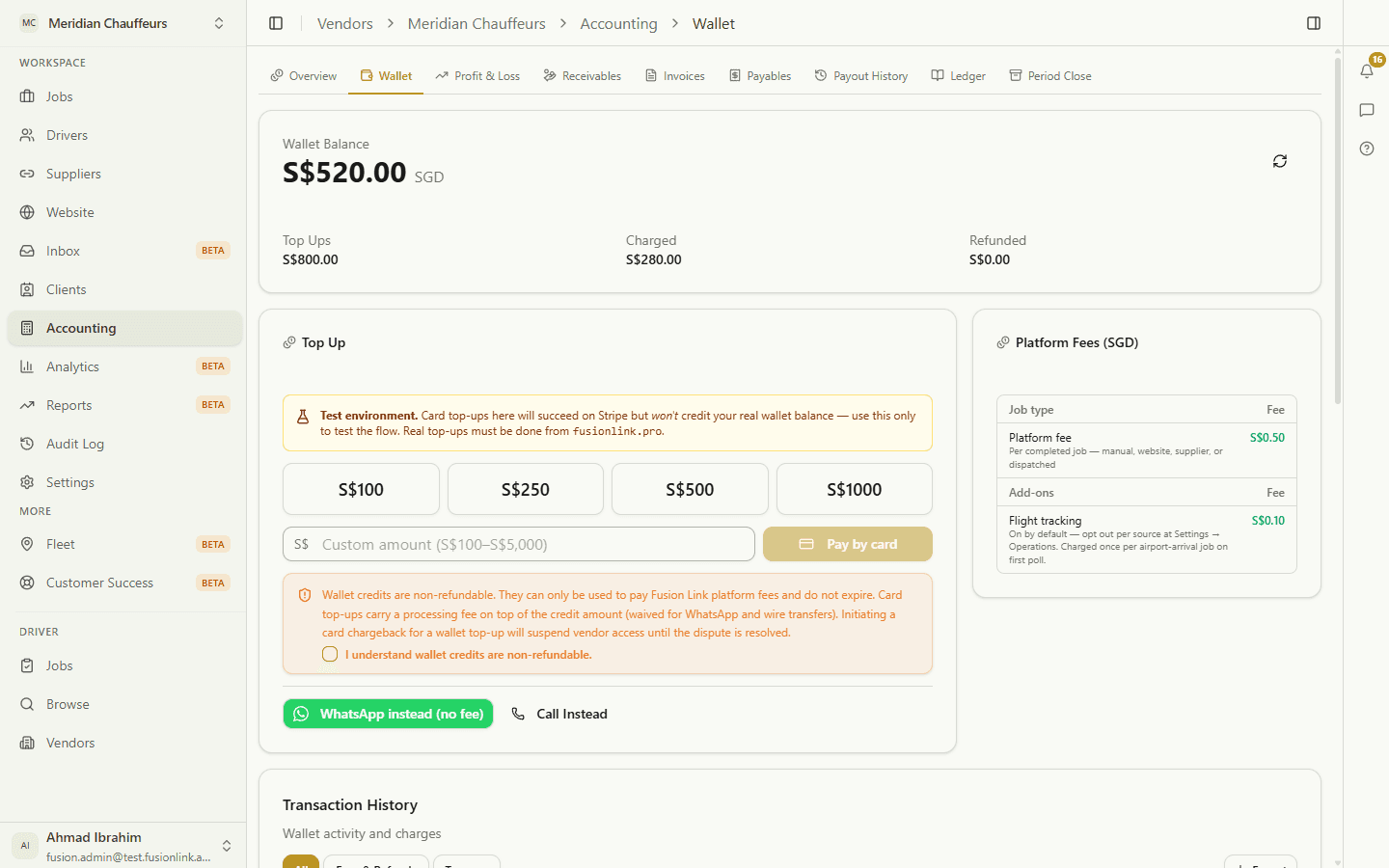
For operators~15s· 2 steps
Wallet & fees
Top up, see the fee schedule, and read the transaction ledger.
View guide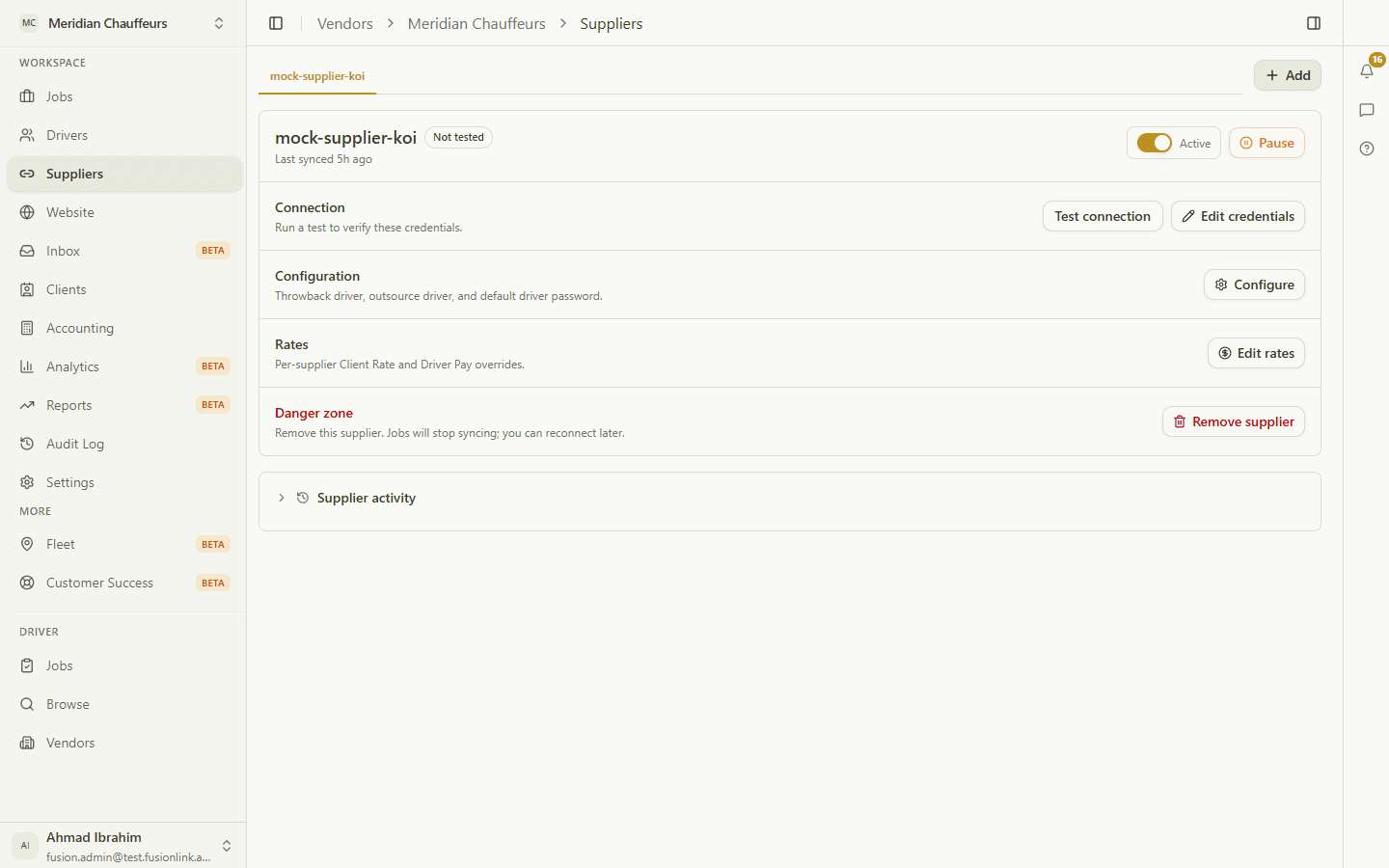
For operators~20s· 2 steps
Connect a supplier
Link an external supplier so their jobs flow in automatically.
View guideFor drivers
Find work and run jobs end to end — from your phone.